Install and update
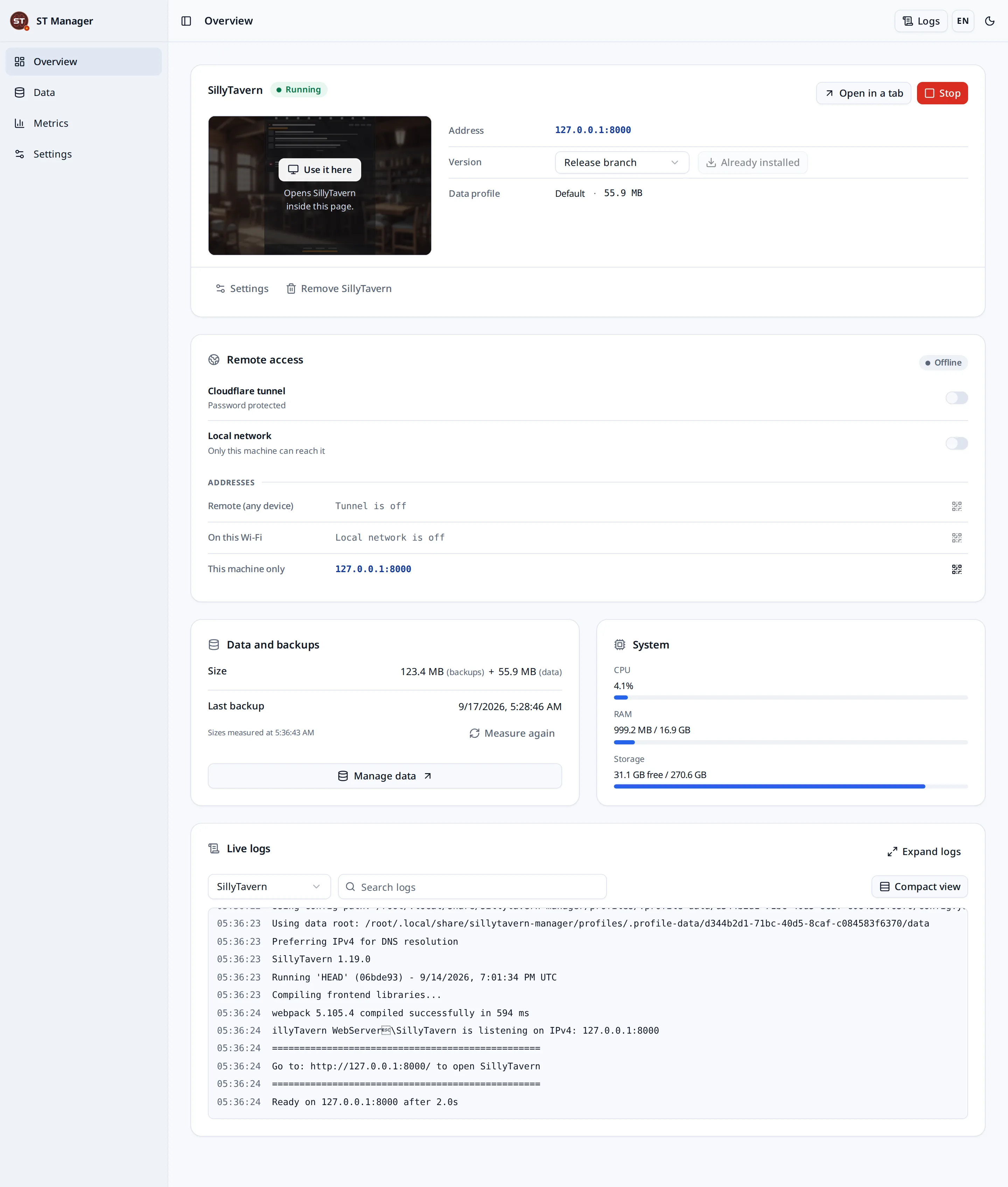
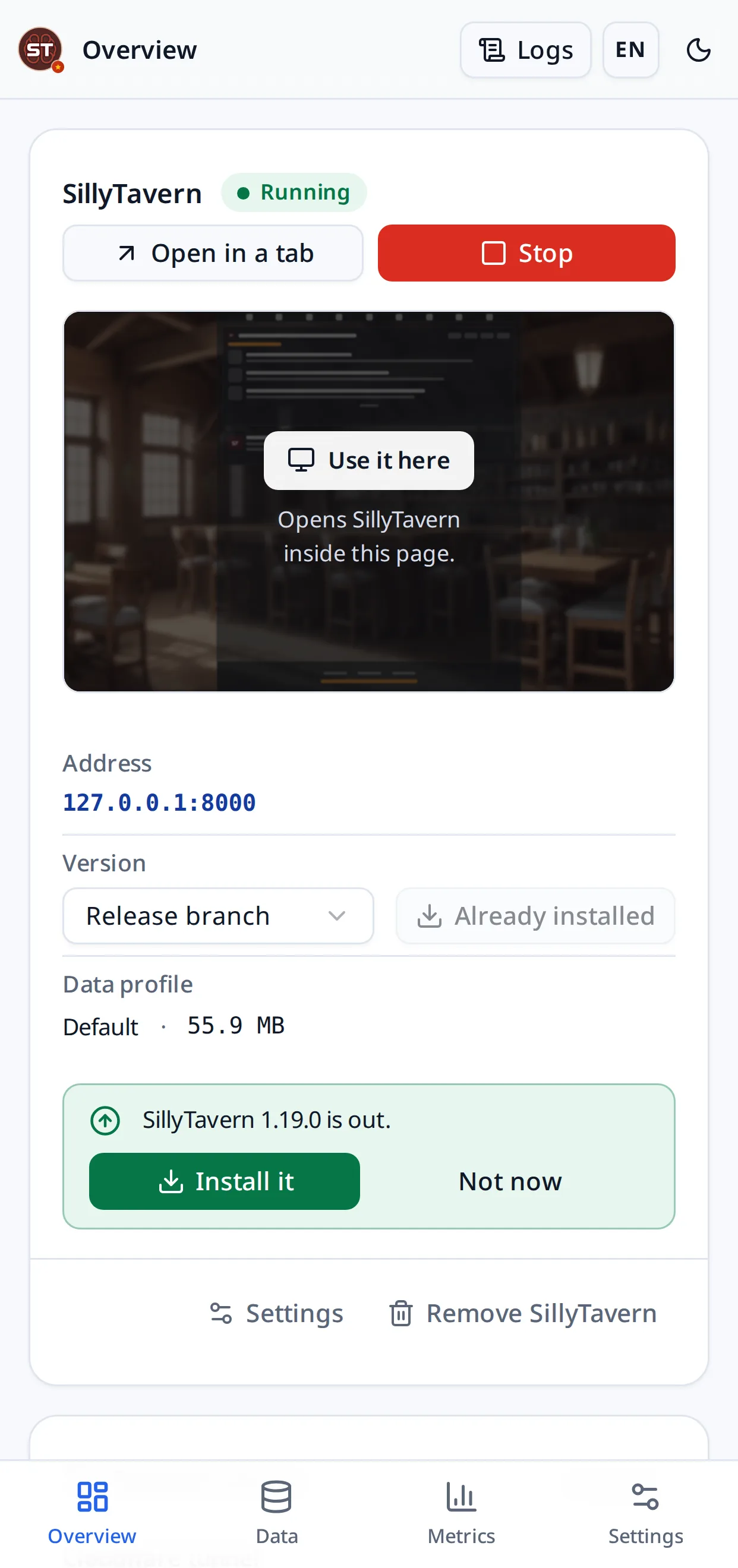
Pick a release or a branch and press Install. It clones, installs dependencies, health-checks the build and reports Ready only once SillyTavern answers on its port. It tells you when a newer release is out.

One control panel that installs, runs, shares, backs up and watches SillyTavern — on Windows, Android, macOS, Linux and Docker.
What it does
SillyTavern is a terminal, a Git checkout and a folder of data you must not lose. This turns all three into a page you can open from any device.
Pick a release or a branch and press Install. It clones, installs dependencies, health-checks the build and reports Ready only once SillyTavern answers on its port. It tells you when a newer release is out.
Start, stop and open SillyTavern from the panel, with live logs from the manager, SillyTavern, the installer, backups and the tunnel in one searchable feed.
SillyTavern itself stays on localhost. Other devices and Cloudflare Tunnel reach it through an access gateway that asks for a passcode first and never forwards the admin panel.
A Quick Tunnel’s address changes every time it starts. Sign in to Cloudflare and the manager puts sillytavern.<you>.workers.dev in front of it, on your own account, and moves it to each new tunnel — so the link you send stays the link that works.
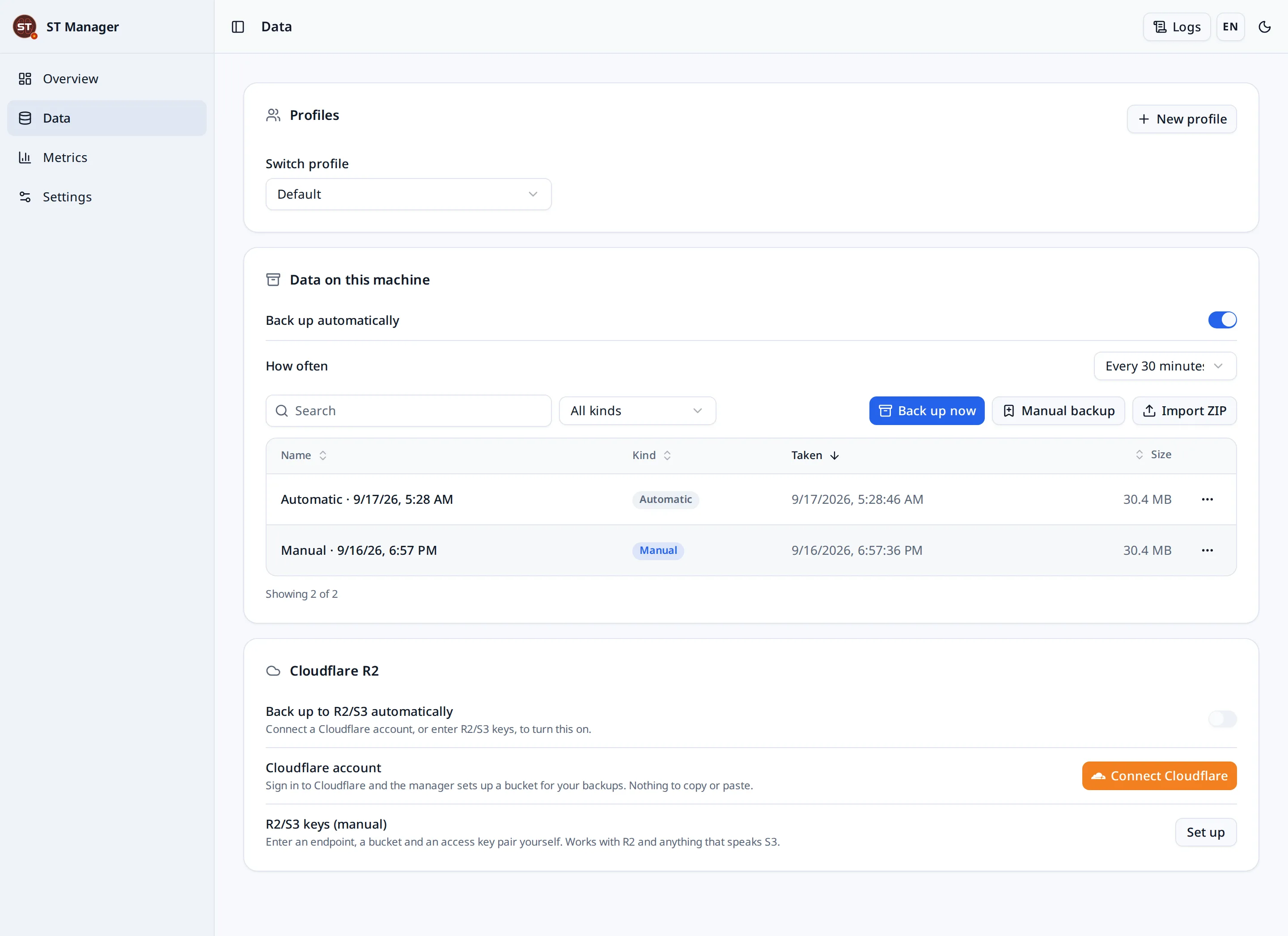
Scheduled and manual ZIP archives, compatible with SillyTavern’s own exports, plus previewed restores and a safety snapshot before anything is replaced.
One button signs in to Cloudflare, finds or creates an R2 bucket in your own account and keeps recovery points there. No keys to create or paste — or bring your own S3 keys.
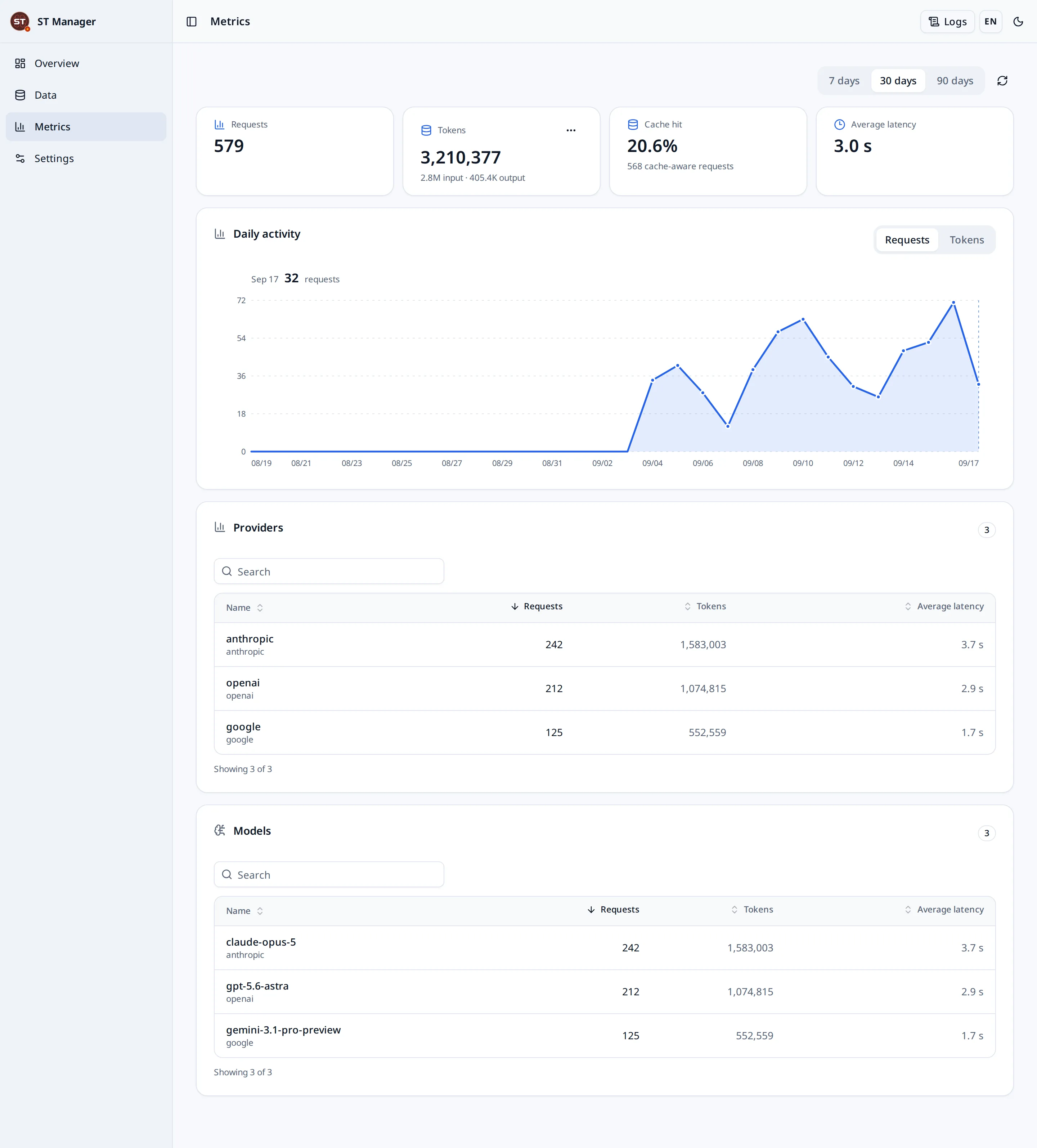
Requests, tokens, cache hits and latency per day, per provider and per model, measured from SillyTavern’s own traffic. Nothing about it leaves the machine.
Named profiles for separate SillyTavern data sets, switched from the panel, each with its own backups.
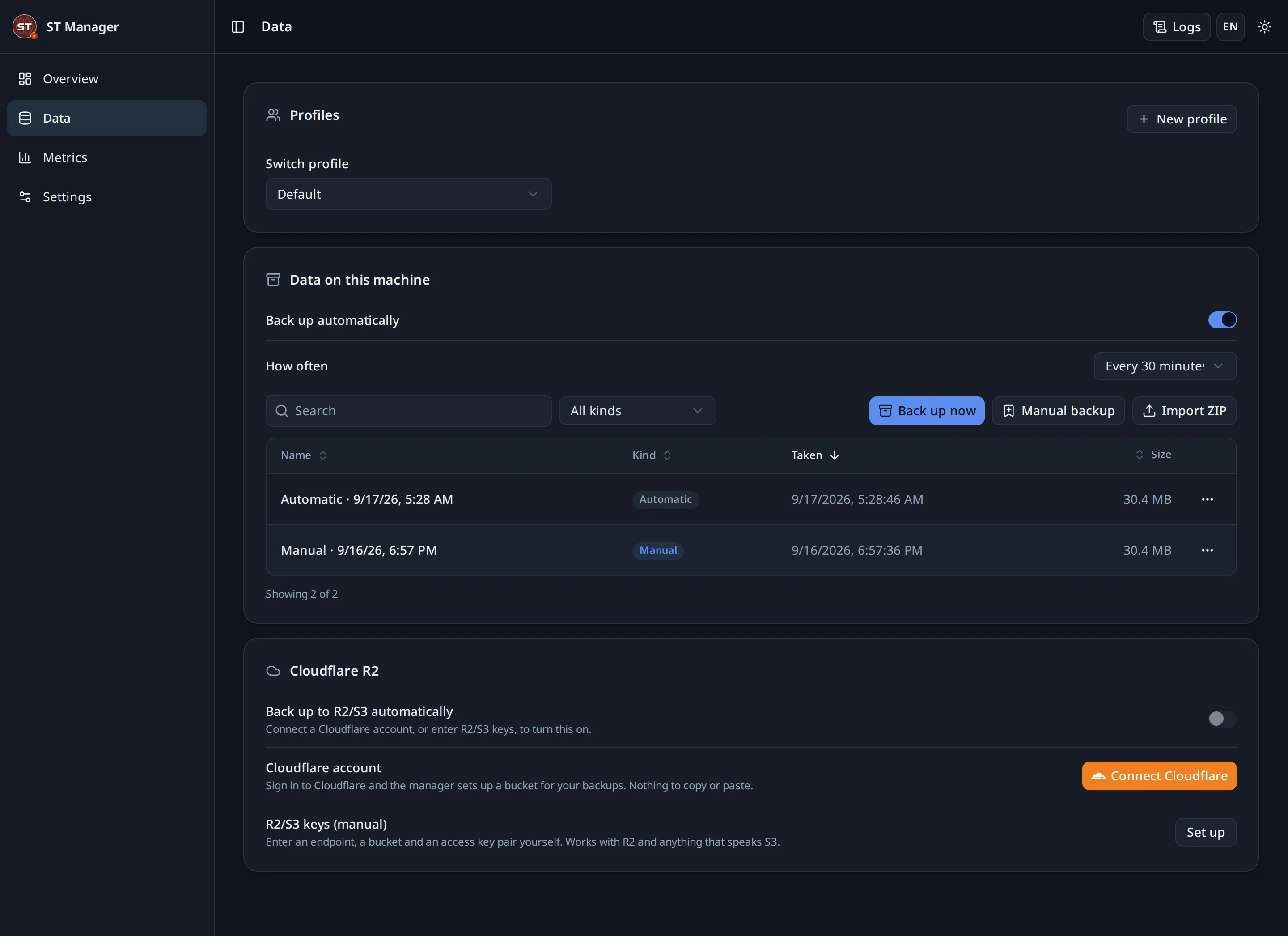
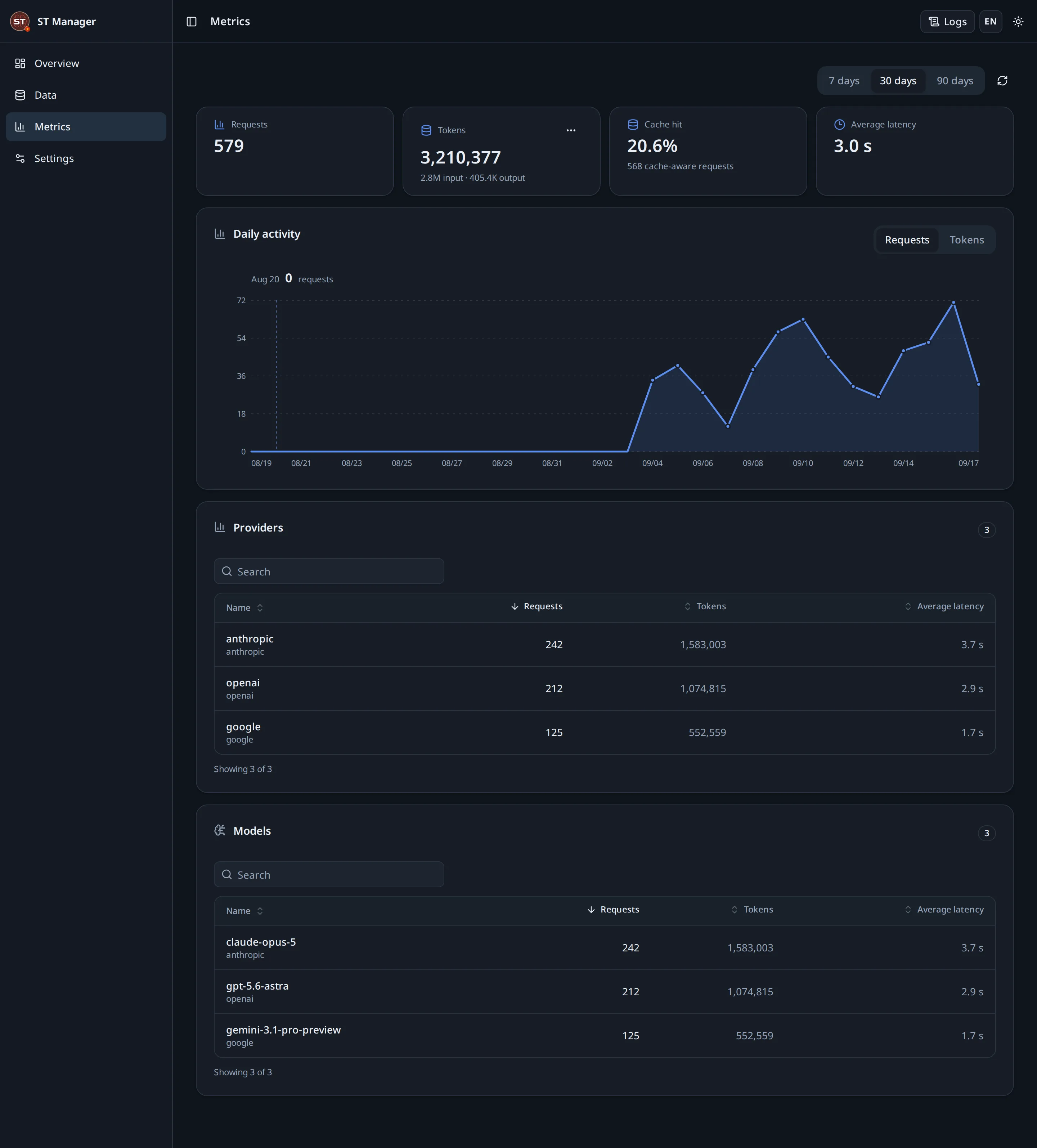
English and Vietnamese, light and dark, desktop and phone. The panel is usable with one thumb on a bus.
Install
Whichever you choose, the first visit asks you to create one administrator password. Then pick a SillyTavern version and press Install.
Download the portable ZIP, extract it, double-click. Node.js is already inside; nothing needs a terminal.
Windows guideThree blocks of commands to paste. The manager then runs on the phone and is opened in the phone’s browser.
Termux guideNode.js 22, a clone, npm ci, and the Unix launcher. Apple Silicon and Intel alike.
macOS guideThe same launcher, plus a systemd unit if you want it to come back after a reboot.
Linux guideBuild the image, mount a volume at /data, publish 7860 and 8001. Hosted platforms work the same way.
Docker guidenpx sillytavern-manager, or install it globally. The published package carries the built panel.
npm guideHow it works
SillyTavern is never the thing exposed. What you share is the gateway, which asks for a passcode and never forwards the admin panel. The panel has a separate link of its own, behind the manager password, for when the machine you need is not the one in front of you.
| Port | What listens | Who can reach it |
|---|---|---|
7860 | The manager panel | This machine, and you from anywhere once you switch its own link on |
8000 | SillyTavern | This machine only |
8001 | The access gateway | Your local network or a Cloudflare Tunnel, after a passcode |
The link you give somebody else opens the gateway, never the panel: nobody who has it can install, restore or delete anything. Opening the panel to the internet is a second switch, in Settings, and it asks for the manager password.
The panel
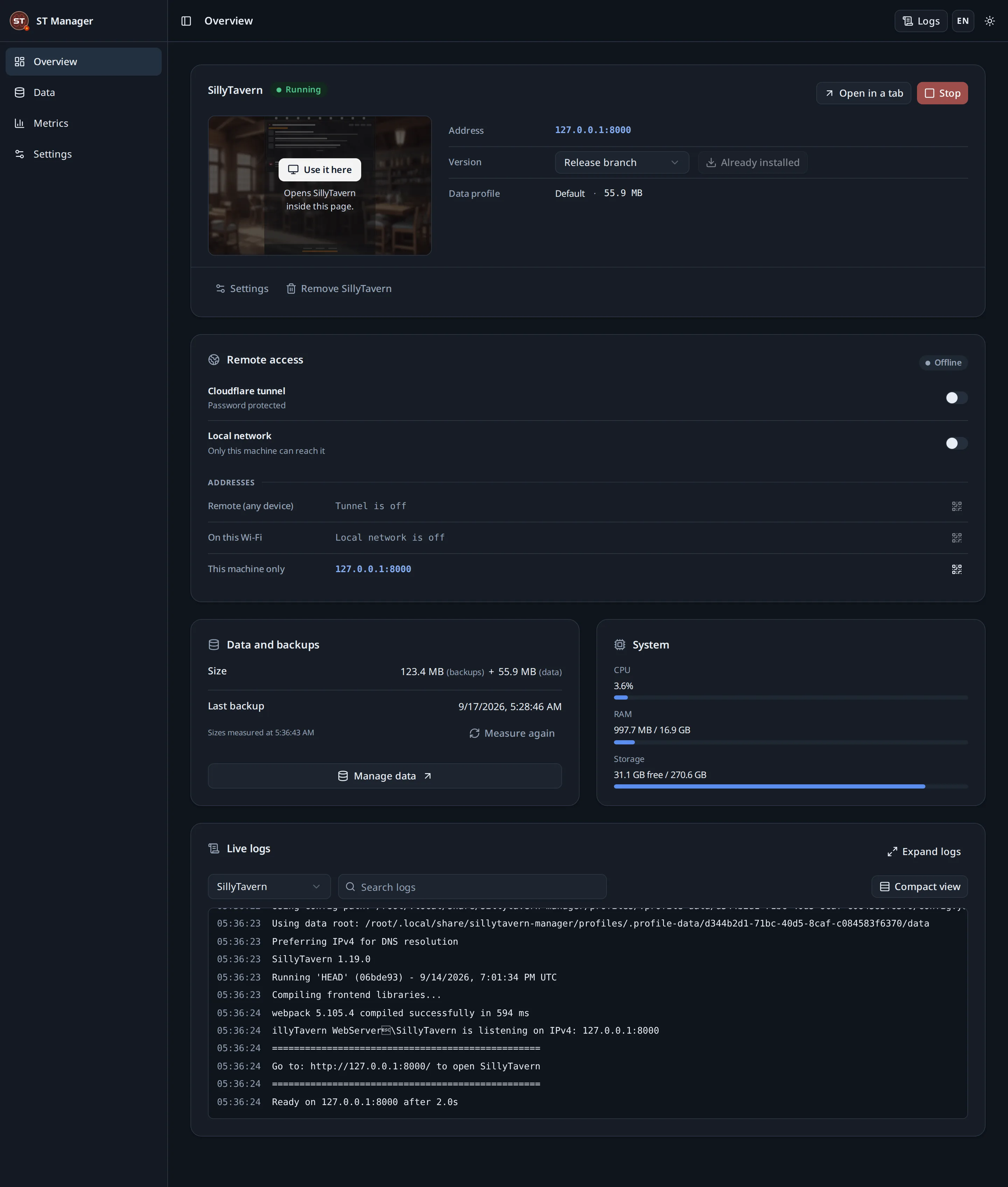
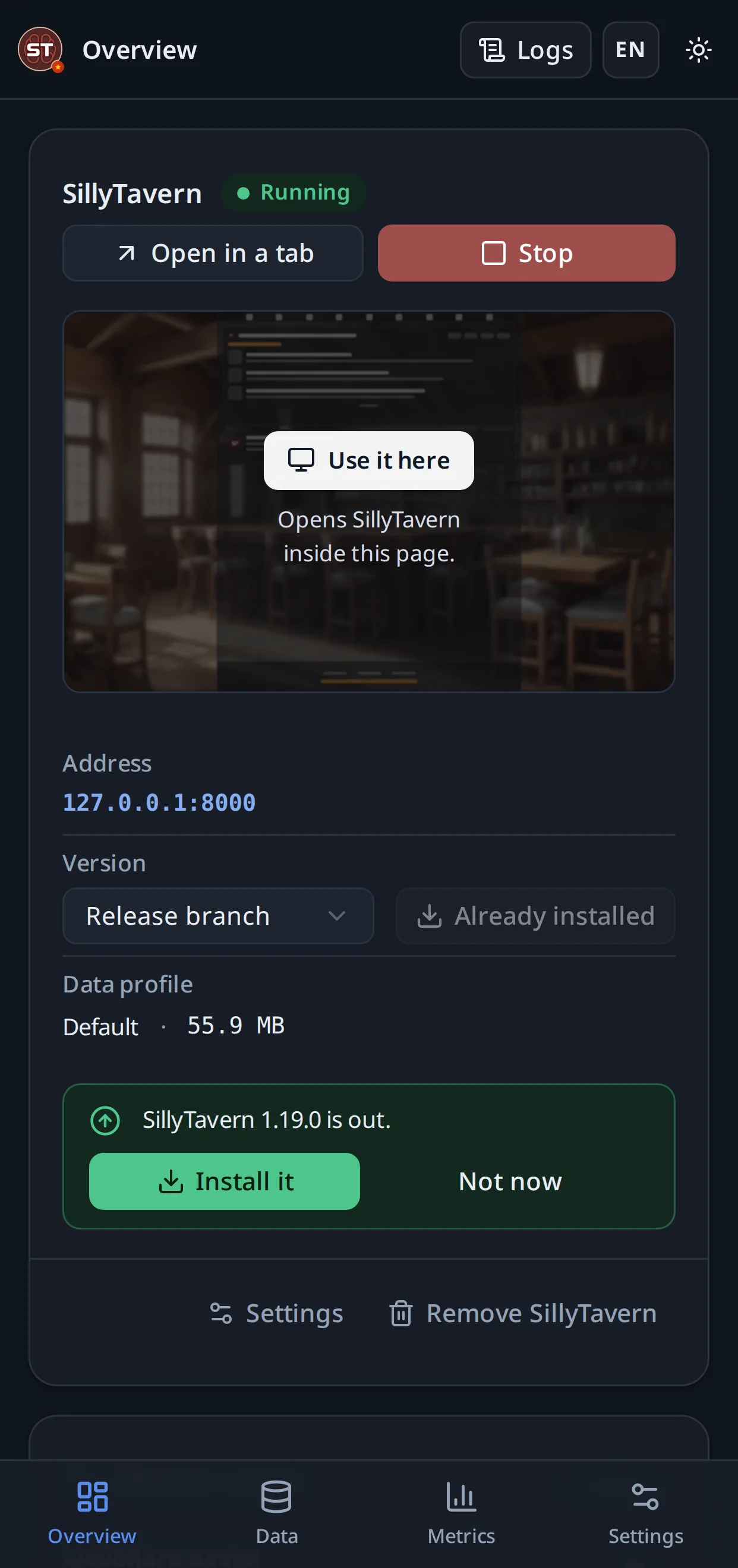
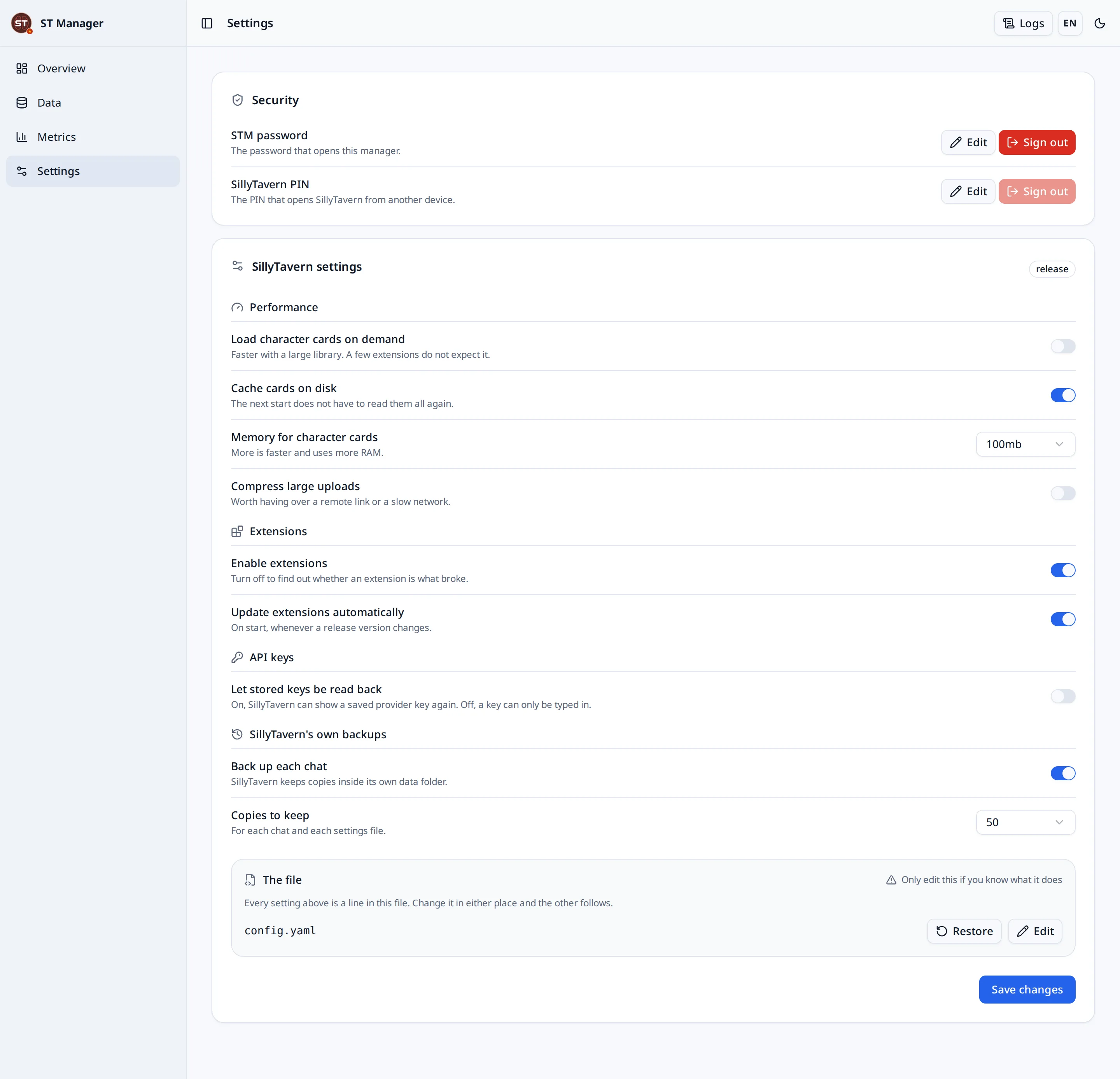
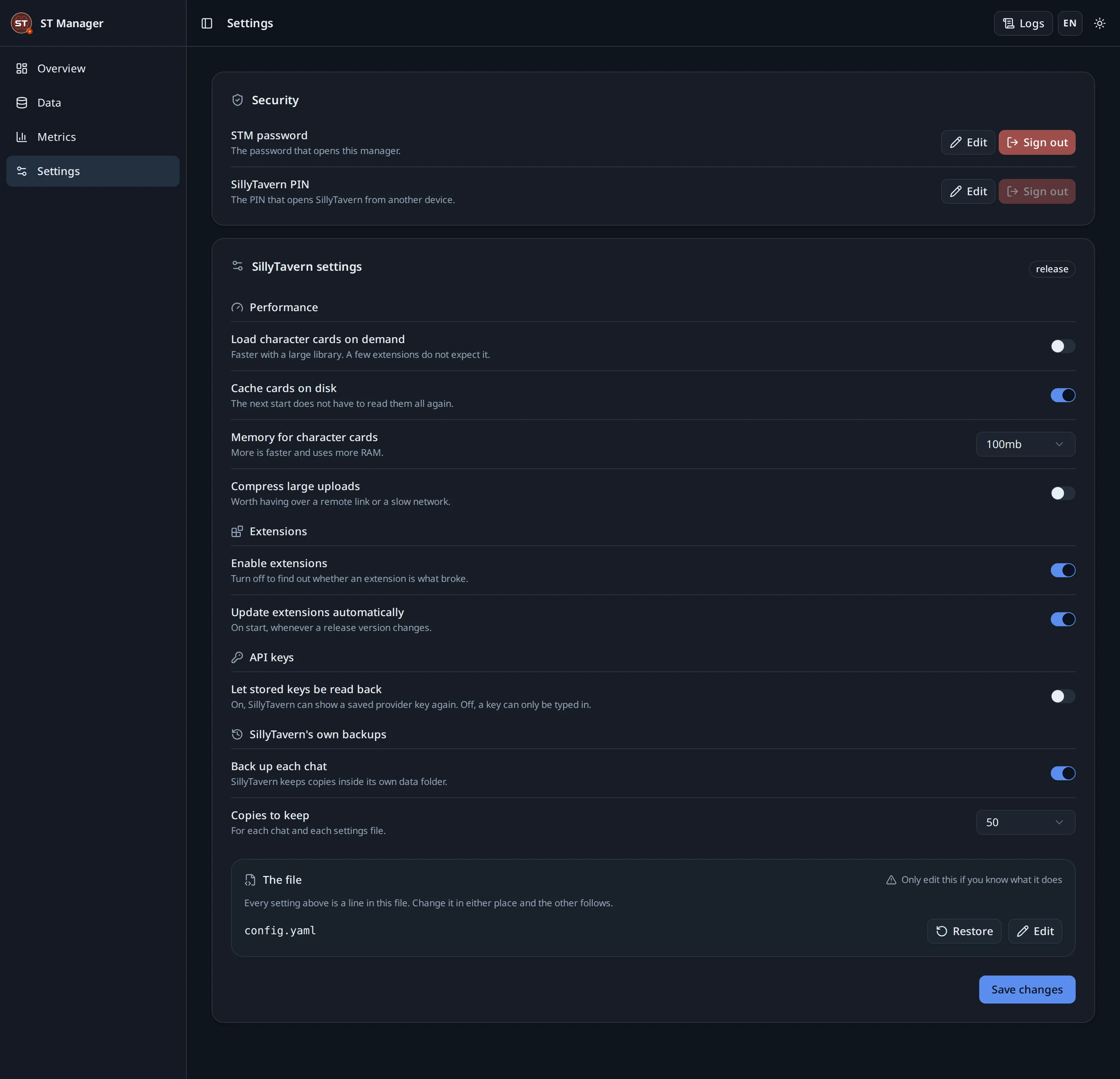
The same interface on a desktop and on a phone, in light and dark, in English and Vietnamese.
Backups
Local archives are always available. Off-site is one button, into a bucket in your own Cloudflare account.
A streaming ZIP that SillyTavern’s own import understands. Secrets are excluded by default and including them is a deliberate act with a warning.
An archive is read and shown before anything is written, and a safety snapshot is taken before a replace or a profile switch.
Sign in, pick the account, and the bucket is created in it. Backups go from your machine to your bucket; no server of this project is in the path.
Backups are a tool, not a guarantee. Test a restore, and keep at least one copy the manager did not make.
Privacy
There is no account, no cloud and no copy of your data held by this project. Chats, characters, prompts, settings, backups and API keys stay on machines you control.
The manager sends one thing: a small, allowlisted usage summary — platform, version, and per request the provider, model, endpoint hostname, token counts, status and duration. It never sends prompts, chats, model responses, API keys, file names, paths, IP addresses or query strings.
The complete list, and how to switch the sending off entirely, is in the Privacy Notice.
Nothing to sign up for. The Windows build is portable; every other platform is a clone and a launcher.